Download. Set up. Fly.
Start with the current Windows release and follow its installation guide.
 ATLASAI MISSION COMPANION
YOUR MISSION. CONNECTED.
Your AI mission companion for DCS World.
ATC. JTAC / 9-line. Carrier recovery.
Free to download. No ATLAS subscription. No account required.
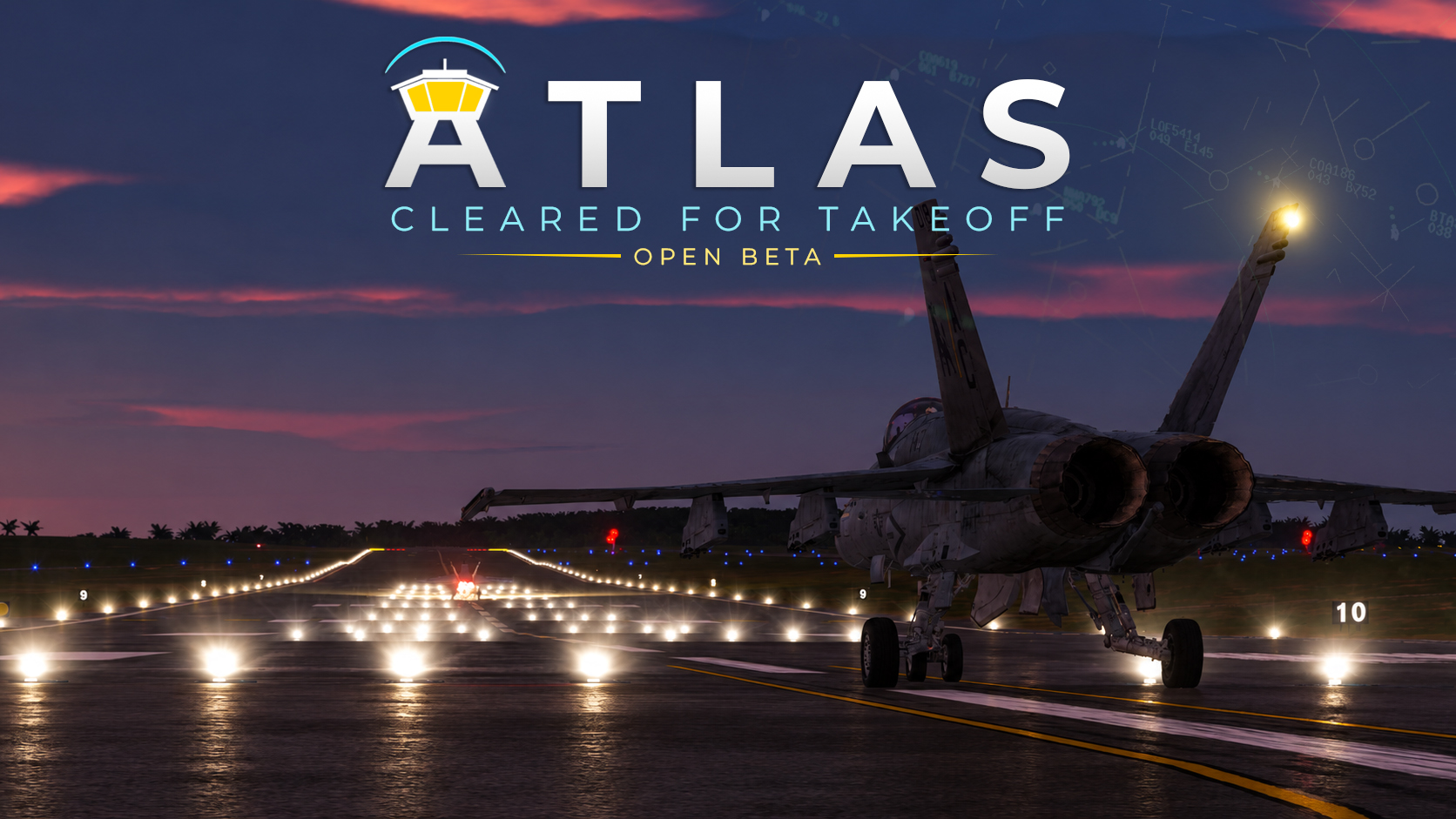
ATC / THE COMPLETE FLIGHT
Follow the flight from the apron to departure, then back through approach and landing. Scroll to advance, or explore each stage at your own pace.
FOLLOW THE FLIGHT
Illustrative DCS workflow. Routes, clearances and controller handoffs depend on the airfield, mission and supported ATLAS build. Departure and return are shown together to explain the sequence; this is not a navigation chart.
JTAC / THE STRUCTURED BRIEF
Scroll through the brief. Watch the picture build, line by line, or select any stage to explore it. An illustrative DCS workflow—not live mission data.
FOLLOW THE NINE-LINE
The brief is part of a conversation. ATLAS continues with remarks, required readbacks and supported mission calls. Availability depends on your build and mission configuration. For DCS simulation only.
CARRIER OPERATIONS / THE COMPLETE RETURN
Follow the complete recovery sequence—from holding to the landing area. Switch cases, select a stage, or replay the route.
Daytime · Visual conditions
Overhead holding, a left break and the visual landing pattern.
FOLLOW THE SEQUENCE
DCS recovery overview, adapted from the Supercarrier guide. Radials, timing and missed-approach instructions remain controller-assigned. ATLAS procedure availability varies by build and configuration.
Supercarrier operations guide ↗ATLAS / IN ACTION
ATLAS is in open beta. Review the release notes for supported features, terrain and mission requirements.
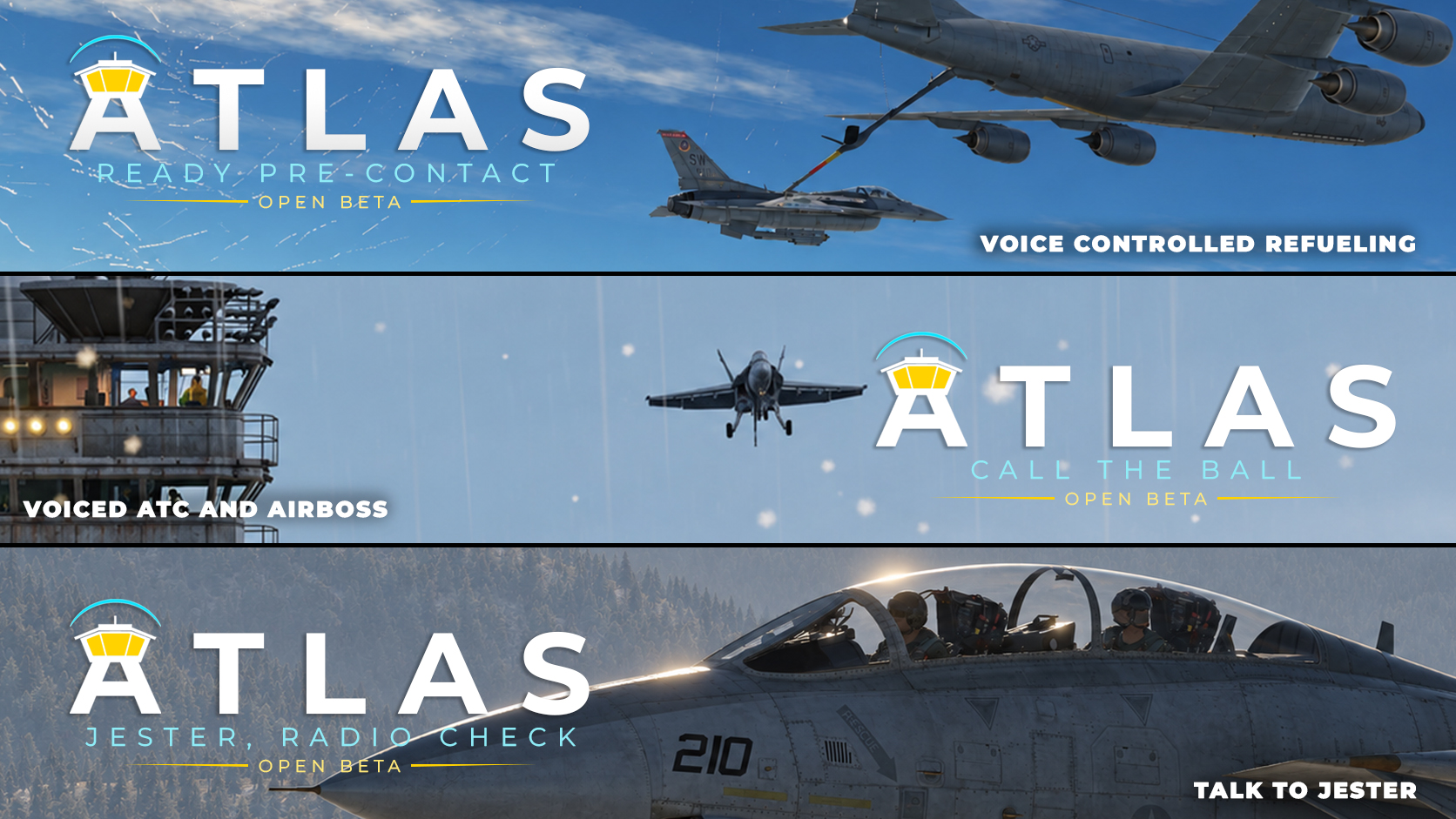
02 / FREE TO FLY
ATLAS is free to download and use. There are currently no paid ATLAS maps, subscriptions or account requirements.
Start with the current Windows release and follow its installation guide.
Check the release notes for supported terrains, aircraft, missions and procedures. ATLAS does not include DCS terrain licenses.
Explore supported ATC, JTAC / nine-line and carrier recovery workflows in the open beta.
03 / READY FOR DEPARTURE
ATLAS runs alongside DCS World and SRS. Review the approved release notes for installation requirements and current beta limitations.
Windows · Open beta · Free download
01 Install DCS World & SRS
02 Install an approved ATLAS release
03 Follow setup, tune in, make your call
Installation questions? Radio check ↓04 / RADIO CHECK
Yes. ATLAS is currently free to download and use. There are no paid ATLAS map subscriptions and no ATLAS account is required.
ATLAS also includes supported JTAC / nine-line and carrier recovery workflows. Features depend on the release, mission setup, terrain and host configuration.
Support varies by release. Review the current release notes and guides before installing; this site does not promise support for every DCS terrain or aircraft.
No. You need your own DCS World installation and any required terrain or module licenses.
The latest reviewed release offers local voice processing and optional Gemini speech output. Cloud options require their own setup and provider eligibility. Check the release guide before enabling them.
ATLAS is an independent project for DCS World. Permission to sell does not imply endorsement. DCS World and its associated marks belong to their respective owners.
Features and coverage evolve. Follow the installation guide, review release notes and report issues. ATLAS is for simulation use only.
THE FREQUENCY IS YOURS.