Find your frequency.
Use the community’s current joining instructions for the server, SRS connection and mission requirements.
 ATLASAI MISSION COMPANION
DCS PHILIPPINES / FLY WITH THE COMMUNITY
Try ATLAS in a live DCS World multiplayer environment. DCS Philippines runs ATLAS around the clock, giving pilots a place to connect, check in and experience the radio workflow together.
24/7 server operation · ATLAS open beta · For DCS simulation
THE COMMUNITY BEHIND THE FREQUENCY
A place to fly together and try ATLAS on a community-hosted DCS server.
01 / TRY IT IN A SESSION
A community-hosted session is a place to try ATLAS with an existing host setup. Prepare your pilot-side software, check the current mission requirements and join the server’s radio environment before making your first call.
Use the community’s current joining instructions for the server, SRS connection and mission requirements.
Start with a supported airfield and workflow. Use the current frequency guide and follow the host’s instructions.
Use the community channels for questions and feedback about your session. Note the mission and installed build when reporting an issue.
02 / YOUR FIRST VISIT
Check the community’s current server details before connecting. Missions, required terrains and connection settings can change.
DCS MULTIPLAYER SERVER NAME
DCS PhilippinesSearch for this name in DCS multiplayer. Visit the community Discord for the current mission, required maps and SRS connection instructions.
Join the DCS Philippines Discord ↗Search DCS multiplayer for DCS Philippines, then confirm the current mission and any required terrain or aircraft. ATLAS does not include DCS module or terrain licenses.
Have DCS World, SRS, a working microphone and the compatible ATLAS Radio client ready. Follow the community’s joining instructions for its hosted session.
Use the host-provided SRS settings and the correct airfield frequency. Begin with a simple, supported interaction before starting a longer flight.
The download page has the Radio client, pilot guide, kneeboard pack and frequency references. The ATLAS setup guide explains the host and pilot roles.
03 / BEFORE YOU CONNECT
Yes—the server operator runs ATLAS around the clock. This page is a joining guide, not a live status monitor; restarts, maintenance and mission changes can still interrupt a session.
This page is for joining the DCS Philippines hosted environment. Follow its pilot-side setup instructions. If you want to run your own host, use the separate installation and host-integration guide.
Features depend on the host configuration, mission, terrain and installed build. ATLAS is in open beta; confirm which procedures are enabled for the session.
Use the ATLAS downloads page for the current installers and pilot documentation.
DCS PHILIPPINES / FROM THE FLIGHT LINE
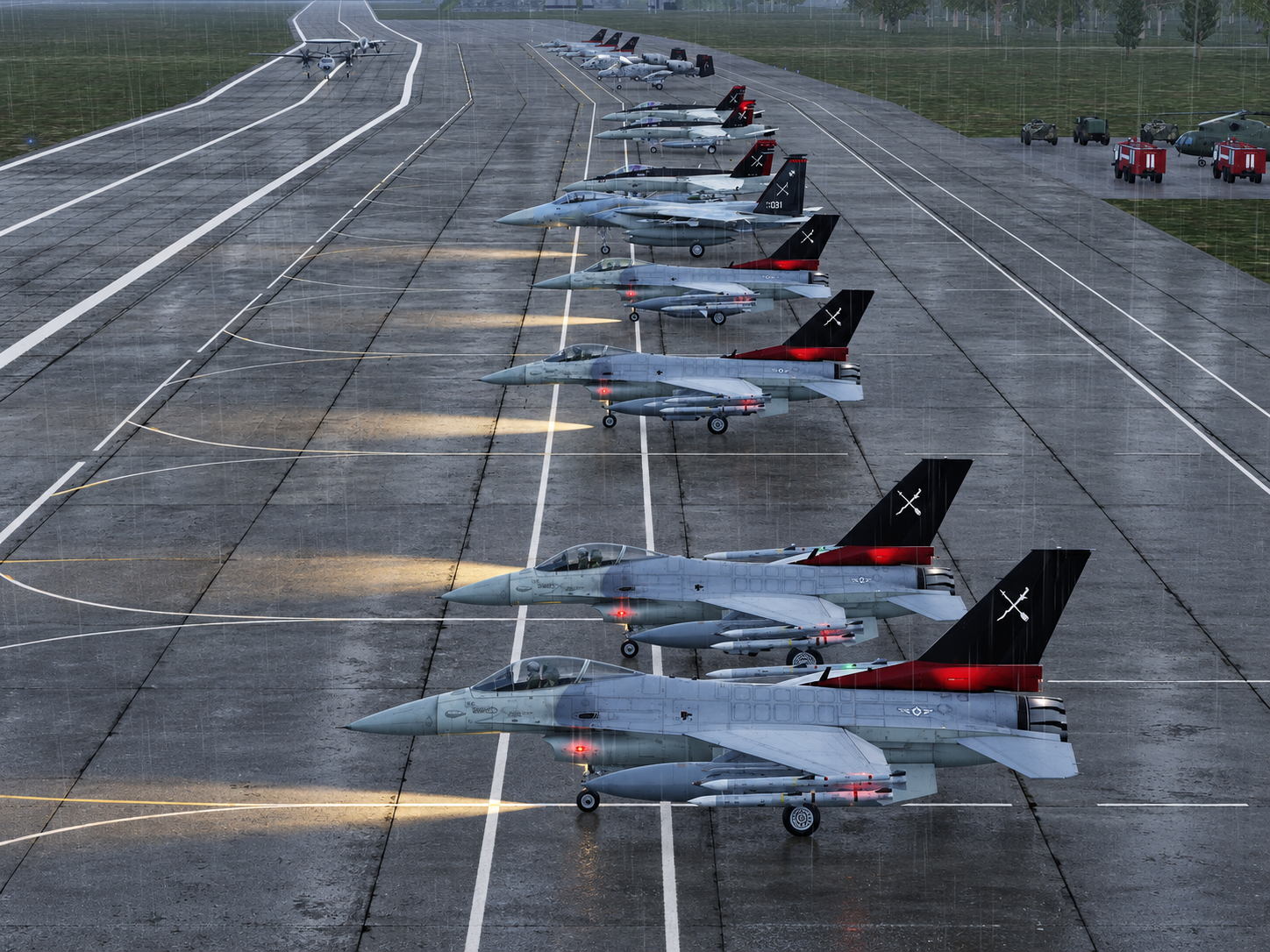
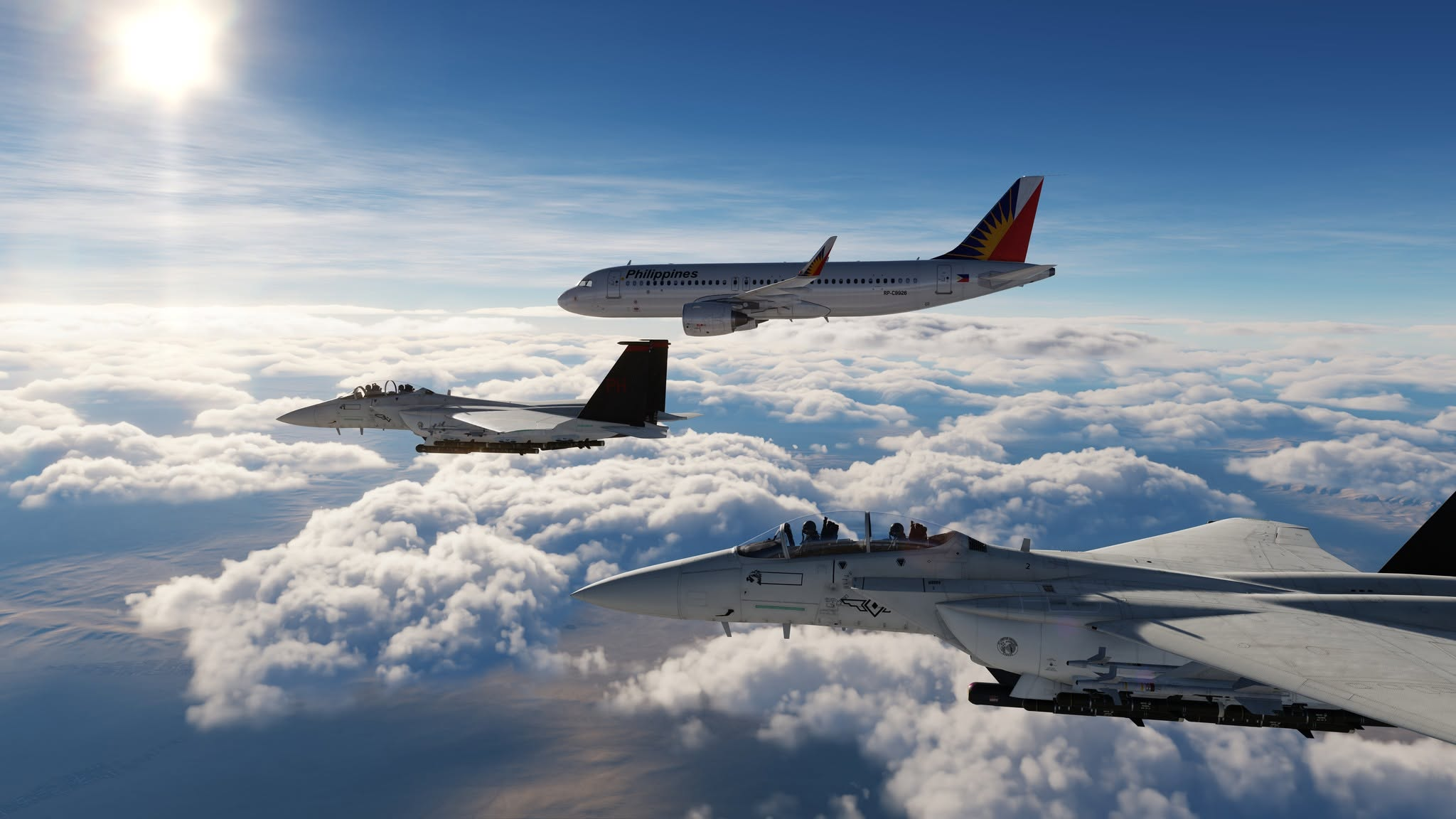
YOUR NEXT FLIGHT, CONNECTED.